An agent that gets things done
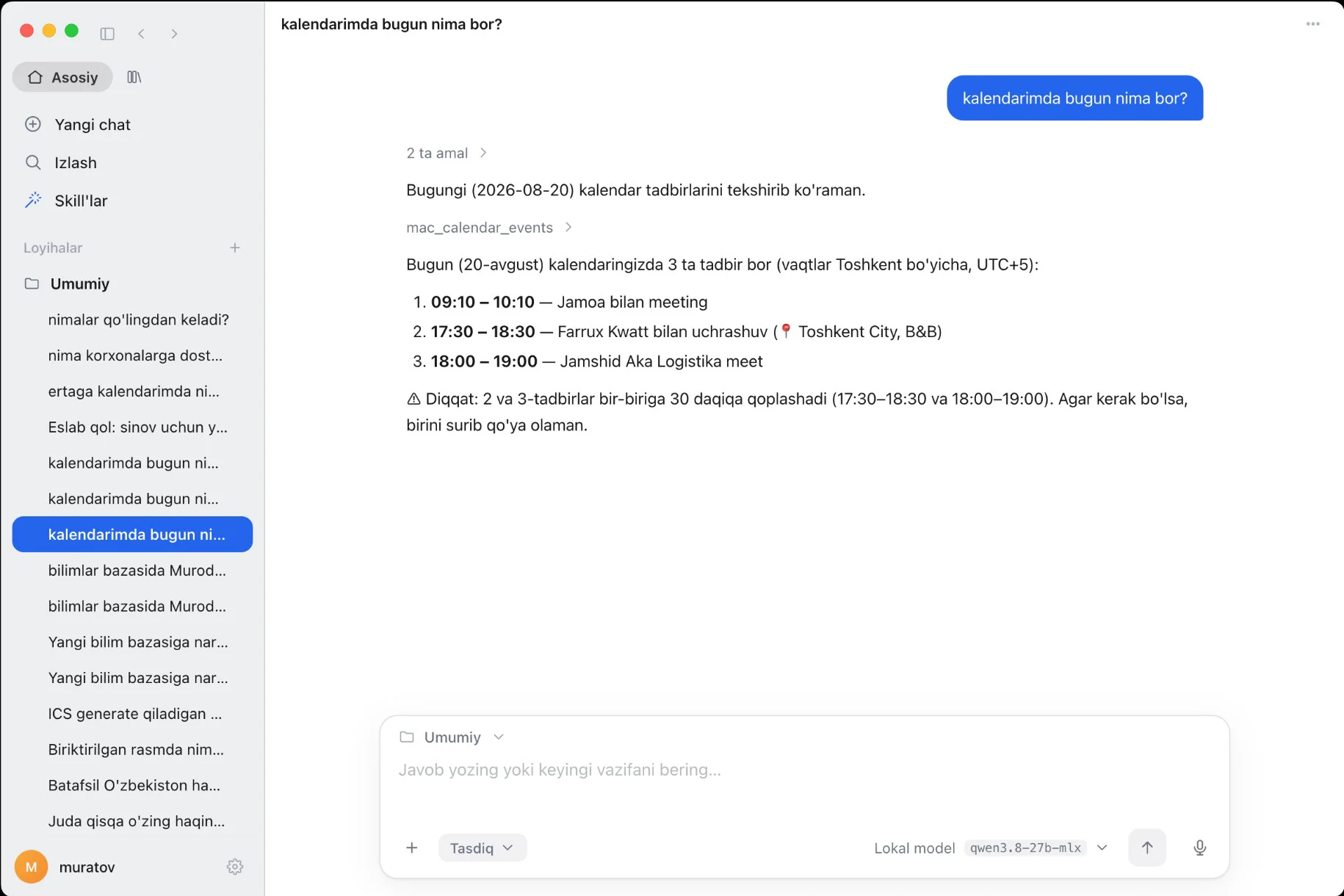
“What's on my calendar today?”, “Summarize this document” — the agent picks the right tool itself and prepares the result.
 For macOS and Windows
Hand one task a day to AIBA — an agent that works with your calendar, mail, documents and knowledge base. You give the task, it gets it done.
Version 1.0.14Free
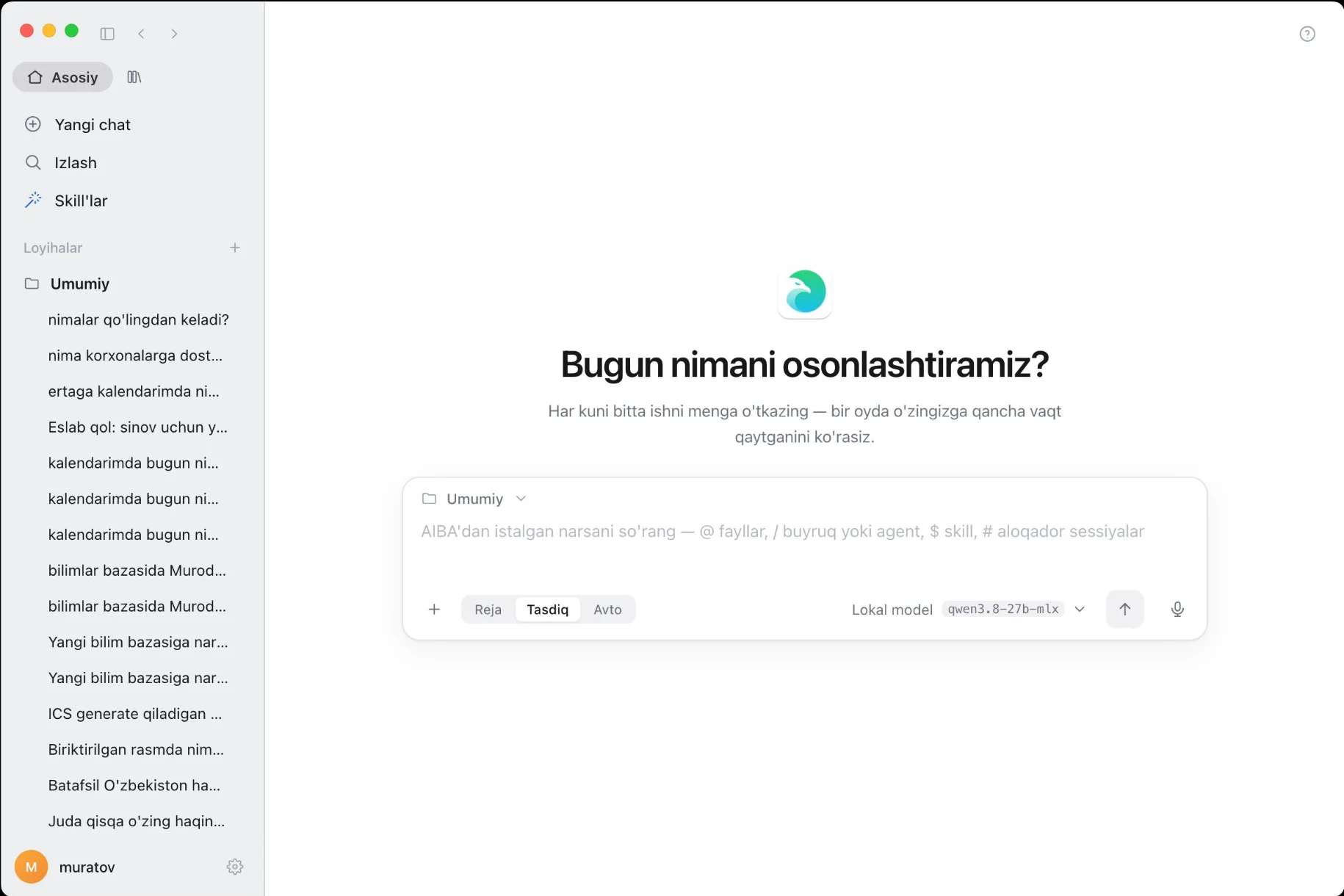
Type or say it in plain language — AIBA takes care of the rest.
“What's on my calendar today?”, “Summarize this document” — the agent picks the right tool itself and prepares the result.
You decide how much control to keep: review a plan first, approve every action, or let the agent run on its own.
Reads and adds events, warns about overlapping meetings, drafts emails — and sends only once you approve.
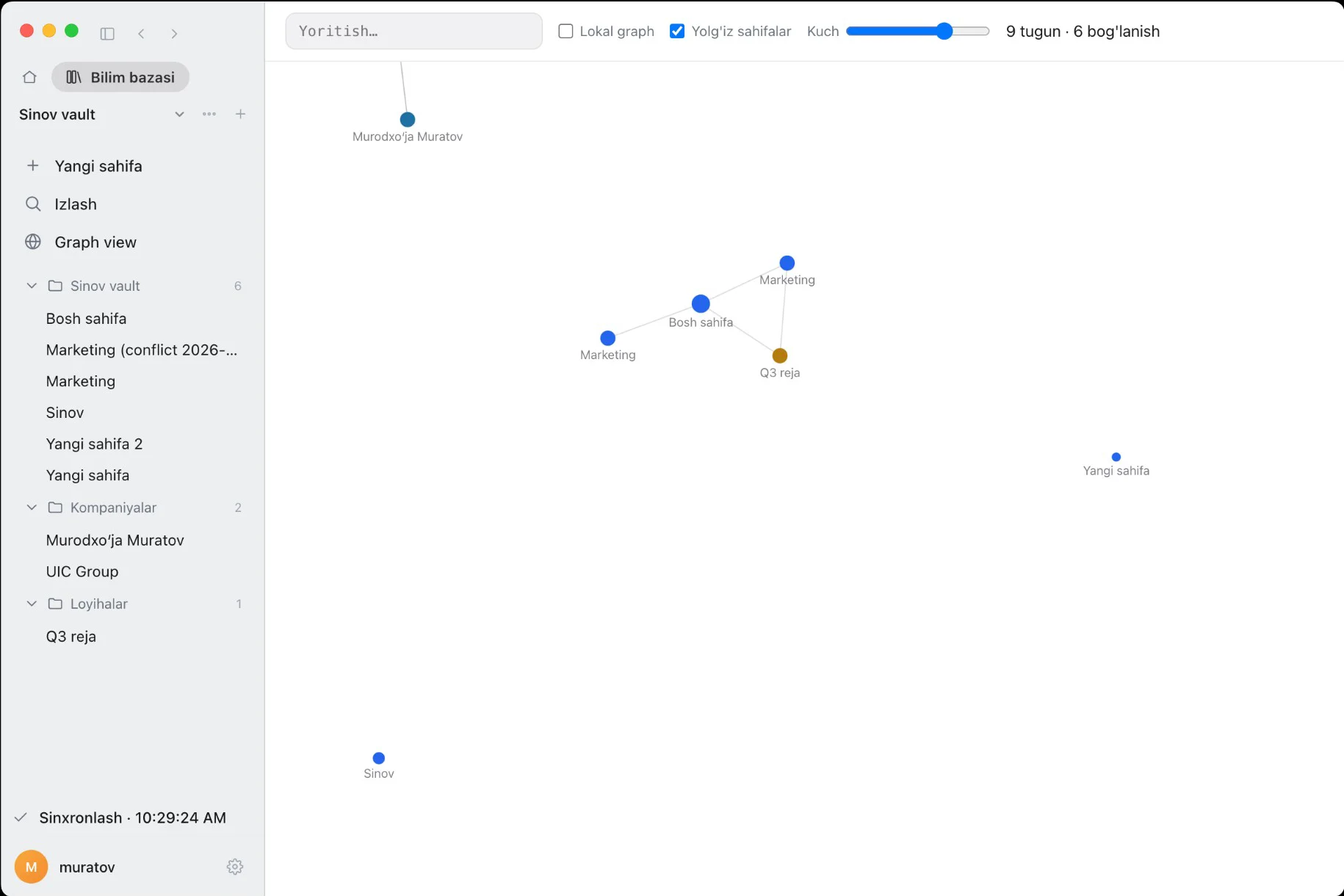
Pages, folders and a graph of how they link. Synced across your devices, and the agent finds answers in it.
Connects to your companies, bank accounts and documents through your AIBA account — just ask “which companies can I access?”.
Save a recurring job as a skill once — then run it with a single word.
Want data to stay on your machine? Use a local model. Need more power? Plug in your Claude, ChatGPT or Gemini subscription.
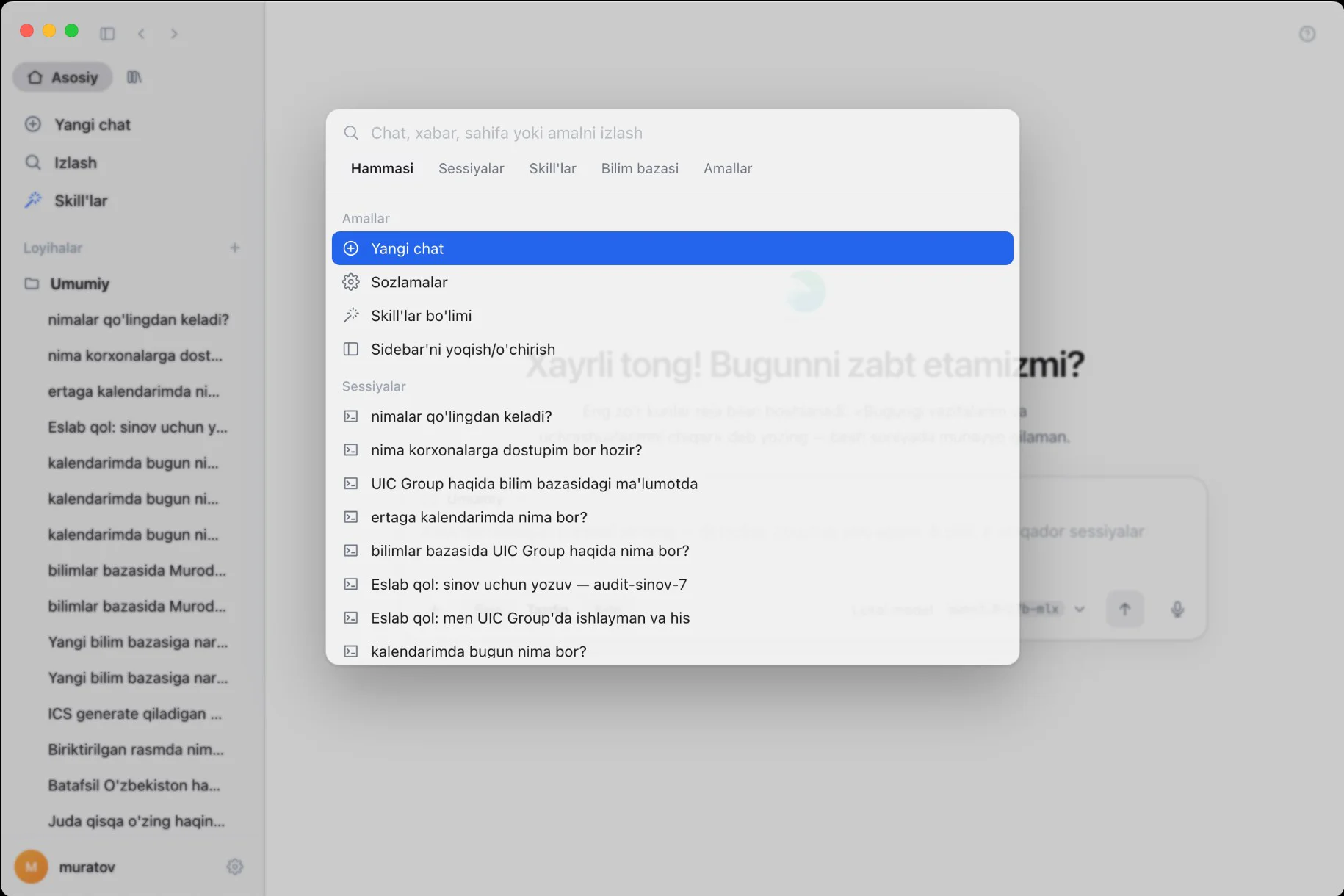
⌘K / Ctrl+K — chats, messages, knowledge-base pages, skills and actions in one window.
No time to type? Tap the microphone and say the task.
Keys are stored encrypted in the system vault, and every agent action runs under permissions and is logged.
A few minutes and a few clicks — and the app is ready.
Step 1
Pick the file for your Mac. To check: Apple menu → “About This Mac”. “Chip: Apple M…” means Apple Silicon, “Processor: Intel” means Intel.
Step 2
Double-click the AIBA-….pkg file in your Downloads folder.
Step 3
Click “Continue” → “Install” and enter your Mac password. The app is installed into Applications.
Step 4
Open “AI Assistant” from Launchpad or the Applications folder.
Step 5
Click “Sign in” — your browser opens. Confirm your aiba.uz account and return to the app.
Step 6
macOS asks for permission the first time the app touches your calendar, reminders or microphone — click “Allow”.
Downloading and installing is free. Business features unlock according to your plan on aiba.uz.
Yes, you sign in with your aiba.uz account. If you don't have one, you can create it in a minute from the sign-in screen.
Sign-in keys are stored encrypted in the system vault. With a local model, your requests never leave your computer.
Nothing to do — the app downloads new versions in the background and installs them on the next launch.
This app is for computers. For your phone, get the AIBA mobile app from aiba.uz.
Leave a request — our specialist will call you and help with everything from installation to your first task. Or call us right now.
